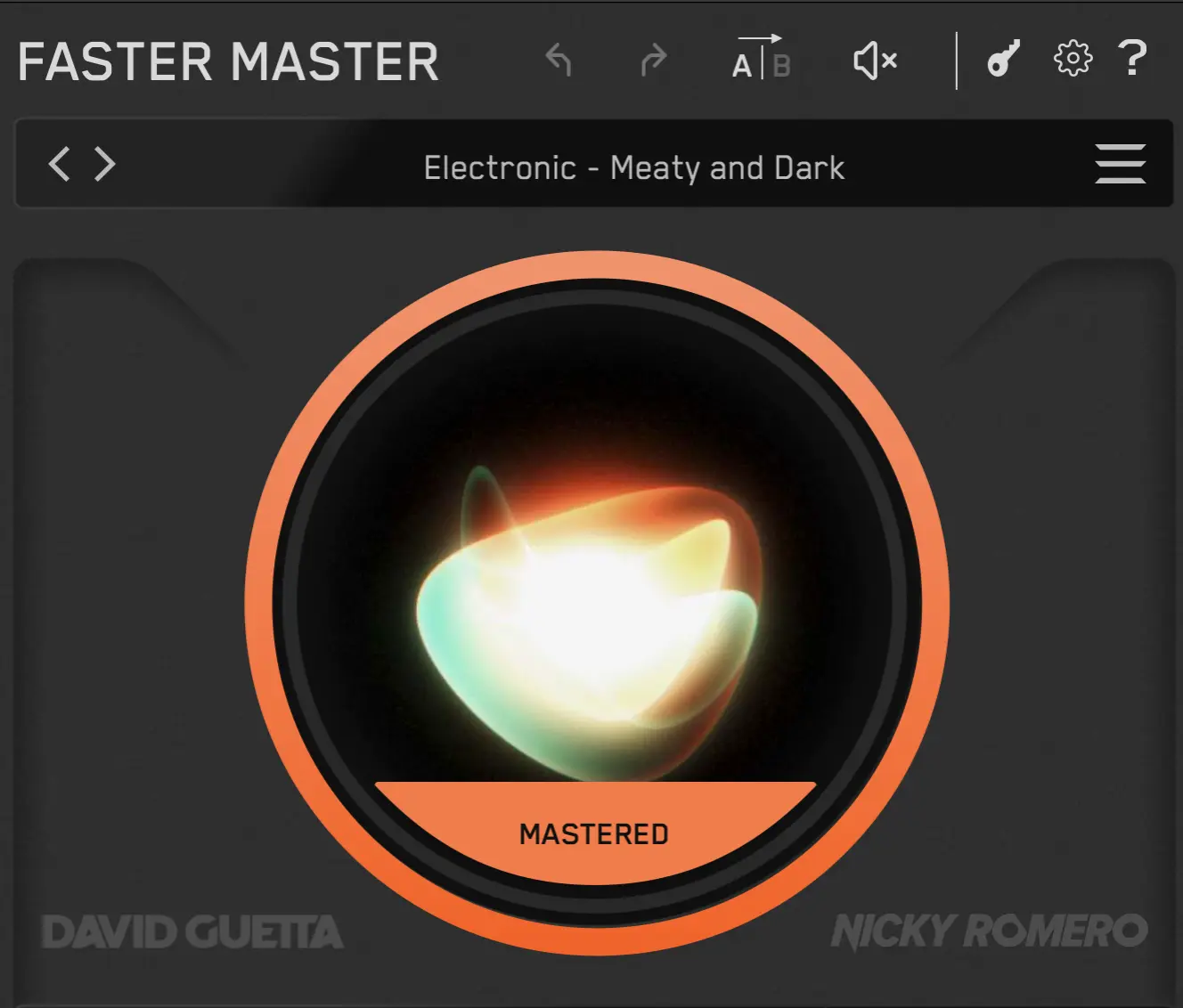
Mastering the Mix has a knack for building plugins that aren’t just “me too” tools. They usually take a problem and come up with a smart, practical solution. Their new plugin Faster Master continues that tradition – this time tackling one of the most time-consuming (and often intimidating) stages of music production: mastering.
What Faster Master Actually Brings to the Table
Let’s be honest – the market is already flooded with online mastering services and “AI helpers.” Most of them either sound generic, remove too much control, or leave you feeling like you’ve just run your track through a preset.
Faster Master takes a different approach:
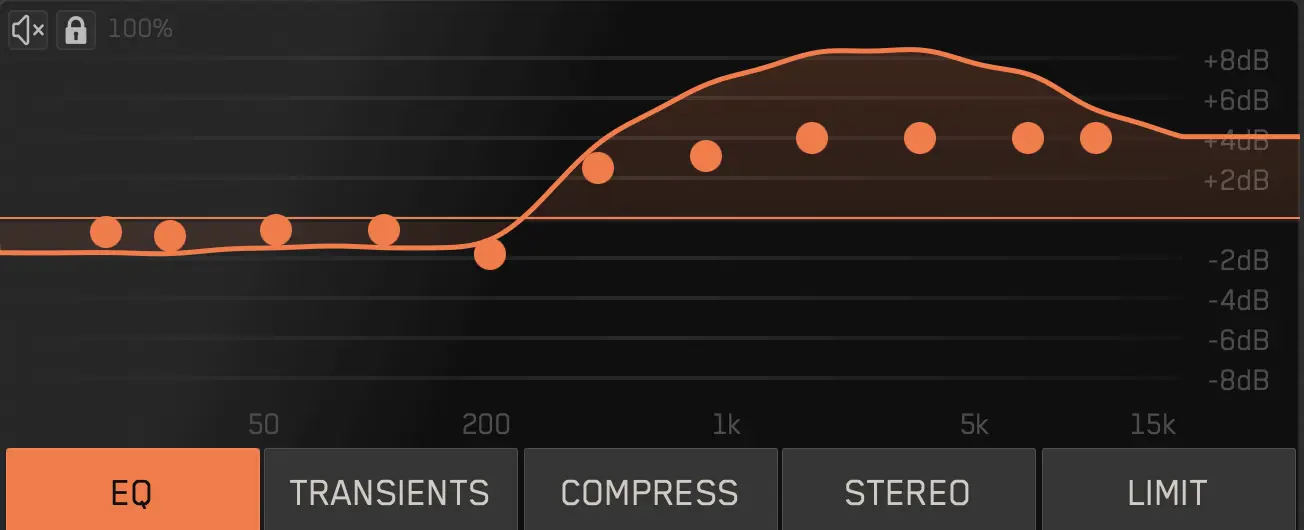
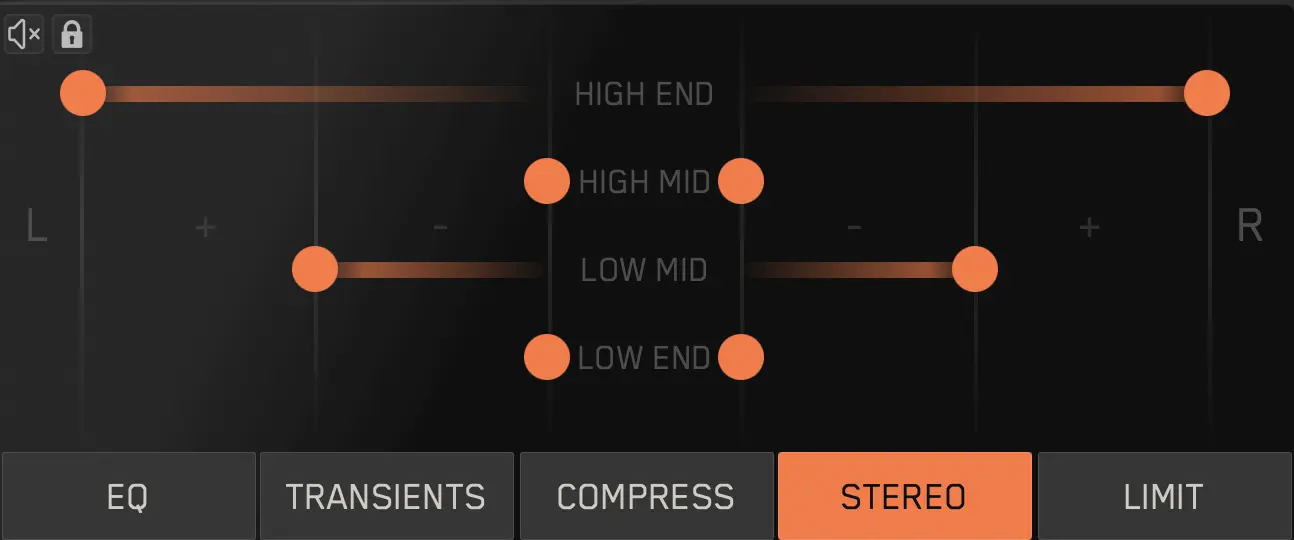
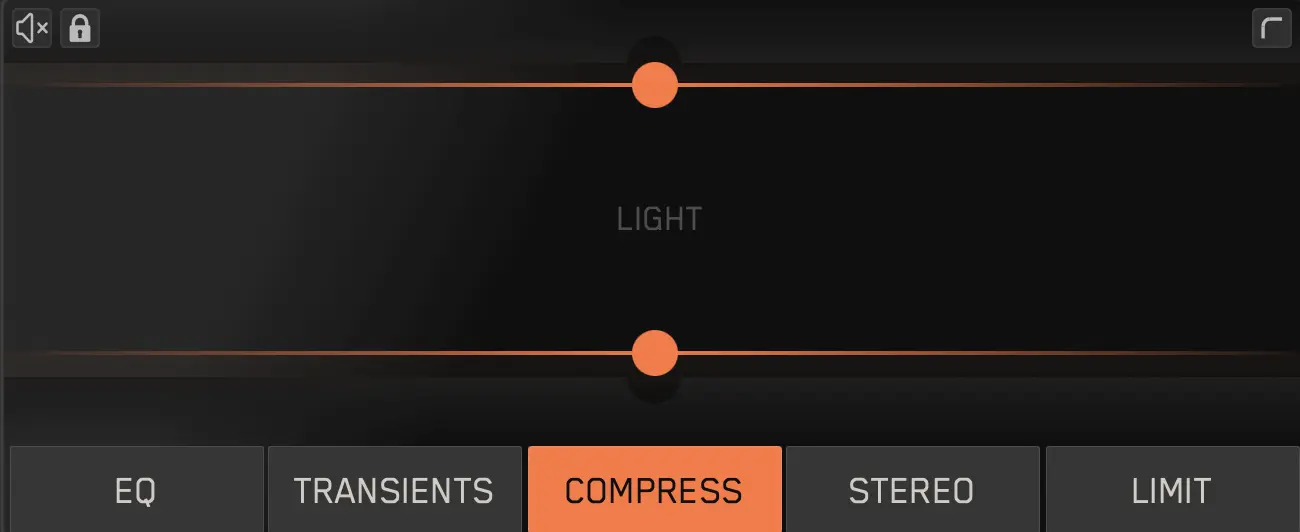
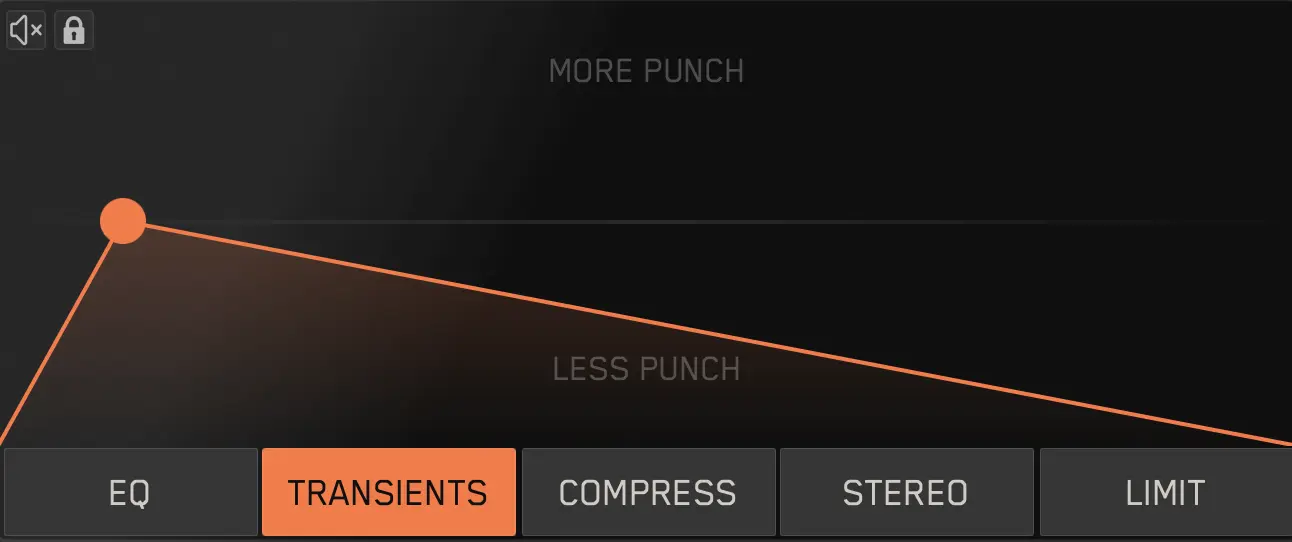
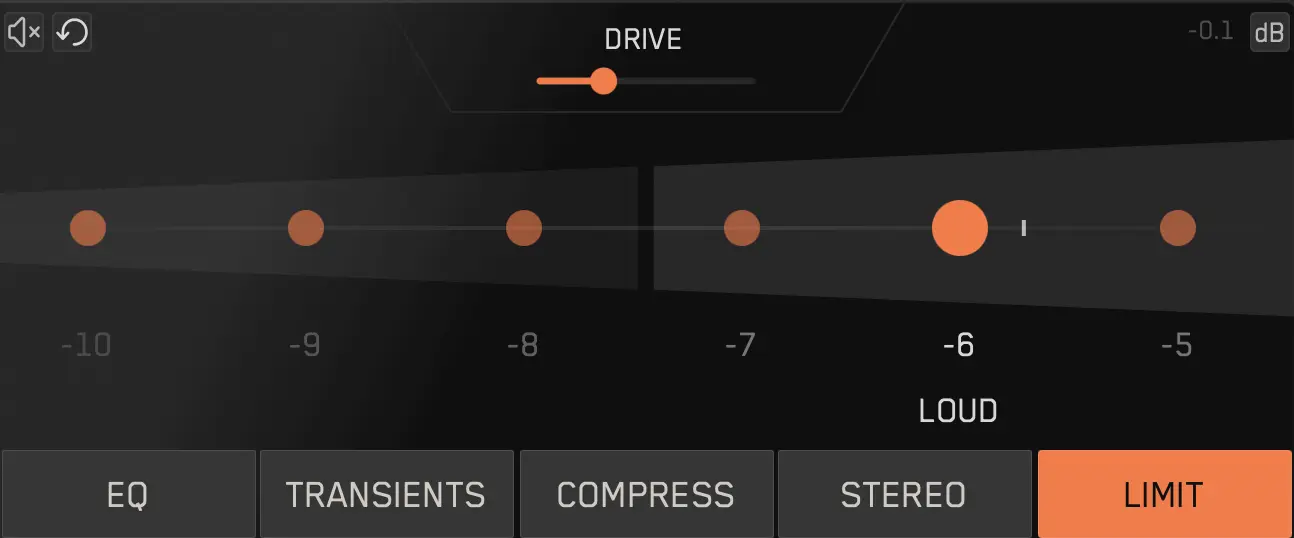
- Guided but tweakable results – it doesn’t just spit out a finished master, it gives you a handful of musical controls (EQ balance, punch, stereo width, dynamics) so you can actually shape the end result to your taste.
- Instant feedback – you can compare different master styles quickly, which is great for checking if your mix holds up across genres.
- Usability over hype – no endless parameters or menus, just focused choices that affect the sound in meaningful ways.
It’s more like having a smart assistant than a “black box.”
Is It Worth Your Time and Money?
Here’s the thing: if you’re already deep into FabFilter Pro-L2 chains, multiband compression, and mid/side EQ tweaks, Faster Master probably won’t replace your workflow. But that’s not really the point.
Where Faster Master shines is in speed and perspective:
- Need a quick but solid master to play your track next to a reference? Done in 30 seconds.
- Want to hear how your mix reacts to different loudness targets or tonal balances? You’ll know instantly.
- Don’t have hours to spend tweaking but still want a track that sounds polished? This gets you there.
At it’s current pricing its a fair deal. You’d pay the same for a decent dinner, but this one keeps giving you reliable results every time you bounce a track.
A Simple Workflow Example
Here’s how I often use Faster Master directly inside Ableton Live:
- Put it straight on the master bus – no bouncing, no exporting. Just drop it in.
- Build from the start – I normally kick off a sketch with tools like Process Audio Sugar (for vibe) and HoRNet ThirtyOne (for tonal shaping). Alongside those, I keep Ableton’s stock limiter/compressor to keep things under control.
- Switch over when it’s time – during mixdown or mastering prep, those “helper” plugins often get muted or removed. This is where Faster Master slots in beautifully – it does the balancing, loudness, punch, and width all in one plugin, without me juggling three or four separate tools.
- Refine with taste – tweak the punch, EQ balance, and width to taste. That’s usually all it takes to go from “demo polish” to something that feels ready to test outside the studio.
This way, Faster Master is not just a mastering tool – it’s also a creative mix reference while working on a track.
Does It Replace Sugar?
Not really – but it depends how you use Sugar.
- Sugar is a sweetener/enhancer. It’s fantastic for adding vibe, harmonic flavor, or that extra gloss to individual tracks and buses. I often use it at the sketching stage to quickly shape a sound.
- Faster Master is more about finishing a mix. It gives you tonal balance, dynamics, and width in one streamlined package.
So if you already own Sugar, Faster Master won’t make it obsolete – they just live at different points in the process. Sugar is about creative enhancement, while Faster Master is about delivering a polished result. That said, if you mainly used Sugar on your master bus just to “glue” things together, then yeah – Faster Master could easily take over that role and simplify your chain.
Final Thoughts
Similar tools you might check out:
- Process Audio Sugar – a creative enhancer/sweetener for adding character and gloss (great earlier in the chain).
- iZotope Neutron 5 – AI-driven mixing assistant with deep control for EQ, compression, and balance.
- iZotope Ozone – the big one; industry standard mastering suite with surgical depth if you want to go further than Faster Master.
- CloudBounce – fast online mastering if you prefer a “done-for-you” approach.
- Eventide SplitEQ + limiter – a DIY combo for flexible tonal balance shaping.
Always make your own decisions based on your needs and knowledge.
Take it for a spin yourself with their 14 days free trial, Download installer here
As always from Mastering the Mix – A great useable solution
I like the direction Mastering the Mix is going with this. They’re not trying to replace mastering engineers or the DIY perfectionists – they’re giving producers a fast, approachable tool that bridges the gap between “unmastered demo” and “release-ready track.”
Faster Master won’t make you the next Bob Ludwig, but it will save you time, give you perspective, and keep you focused on making music instead of getting lost in technical rabbit holes. And for me, that’s a plugin that actually brings something useful to the table.