Skip to content

24bit / Archive

Plugins

Independent articles, guides and reviews from the 24bit archive.

Inject Your Tracks with a Dose of Pure Sonic Magic using Efx MOTIONS by Arturia

The Arturia Efx MOTIONS Plugin offers a wide range of creative and versatile possibilities for musicians and producers. With its intuitive interface and powerful features, it allows users to add dynamic and expressive motion to their music. Whether it's adding subtle movement to a synth line or creating complex rhythmic patterns, the MOTIONS Plugin provides…

What Is A Delay Plugin And How To Use It

Released 21-9-2023 In this article, we'll cover everything from what a delay plugin is to how you can use one to enhance your musical projects. If you've dabbled in music production even just once or twice, then chances are that you've heard about delay plugins before. But do you know what they actually do and…

Guide to use Compressor plugin in modern electronic music production.

Compressor is another of these essential plugins for modern music production. Again one of those plugins that can be very useful or the opposit and break a great track if overused and used wrongly. And in this series I will try to help you understand and get the best out of your compressor plugins. In this first part we will look into basics of compression and in part two, we will dive into the more advanced use cases.

Enhance individual instruments using EQ

It's time to harness the power of EQ and enhance your individual instruments. With EQ, you have the ability to shape and mold the sound of each instrument, allowing them to shine in your mix. By identifying key frequencies, boosting essential elements, addressing problematic areas, and enhancing presence and definition, you can achieve a professional-sounding mix that will captivate your listeners.

How to fix frequency Clashes using EQ

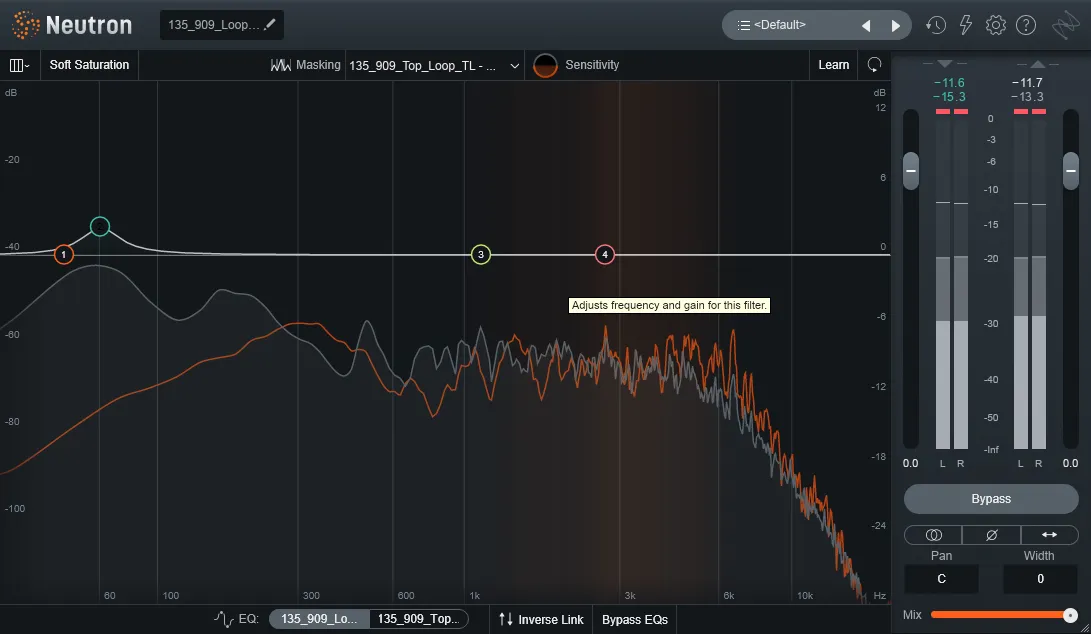
In this article, we'll show you how to effectively use EQ to fix those clashes and create a more balanced sound. By identifying the problem frequencies and adjusting the EQ settings, you can make room for each sound to shine.

Creating space in your mix using EQ

Identify and address frequency overlaps and clashes in your mix Use narrow Q values on your EQ to focus on specific frequencies and cut unnecessary ones Boost harmonics to enhance the character and definition of elements

Using EQ to Separate Layers in the Mix

By adjusting the frequency levels of each layer, you can create space for every element to shine through. With effective use of EQ, you'll prevent clashes and achieve a cleaner, more professional sound.

No articles in this category yet.