I’ve used dBdone to manage projects across different DAWs. Prelistening, tagging, direct access and task management help reduce the admin work around making music.
Key Features in Depth
1. Prelistening
For project prelistening, add the dBdone companion plug-in to a session and record a preview. You can then listen to that preview in the dBdone app without opening the DAW. The developer also supports adding audio previews manually.

Instead of relying on file names or guessing what is inside a project, I can listen to a preview and decide which session to reopen. Refresh the preview after a substantial change so the sound you hear represents the version you plan to work on.
2. Direct File Access
Managing large numbers of audio projects often involves wading through deep folder structures. Dbdone simplifies this by providing direct file access—you can open your DAW project files straight from the app interface.
This approach saves time and reduces the mental load of navigating through multiple folder levels. Everything you need is in one place, ready to be opened or referenced instantly. For users juggling multiple sessions, this feature eliminates frustration and lets you quickly return to the creative process.

3. Tagging and Search
Efficient file organization can make or break a productive workflow. dBdone’s tagging system allows you to label projects with custom tags, tailored to your personal workflow or team’s needs.
Tags can include details like project type, genre, client name, or deadline. This makes locating files a breeze—whether you’re looking for last week’s draft or a track from a year ago.
The advanced search function complements this system, enabling you to find files instantly based on tags or other metadata. It’s a much-needed upgrade from traditional folder-based organization, especially for users managing a large archive of projects.

4. Automated Project Naming and Artwork
Keeping projects organized often involves coming up with unique names and managing visual assets like artwork. Dbdone automates both tasks, generating unique project names and corresponding artwork for each session.
This feature not only saves time but ensures consistency, especially useful for those sharing projects with clients or collaborators. The generated artwork provides a clear visual marker, making it easier to identify projects at a glance. For professionals, this adds an extra layer of polish to presentations without extra effort.
5. Task and Deadline Management
dBdone includes tools to help manage your workload. You can create tasks, set deadlines, and track your progress—all within the same interface.
For solo producers, this is a simple way to keep track of what needs attention, whether it’s finalizing a mix, preparing for delivery, or meeting a release schedule. For teams, it ensures everyone is on the same page, avoiding miscommunication and missed deadlines.
Integrating task and project management into the same platform reduces the need for external tools, streamlining your workflow further.

My multi-DAW setup
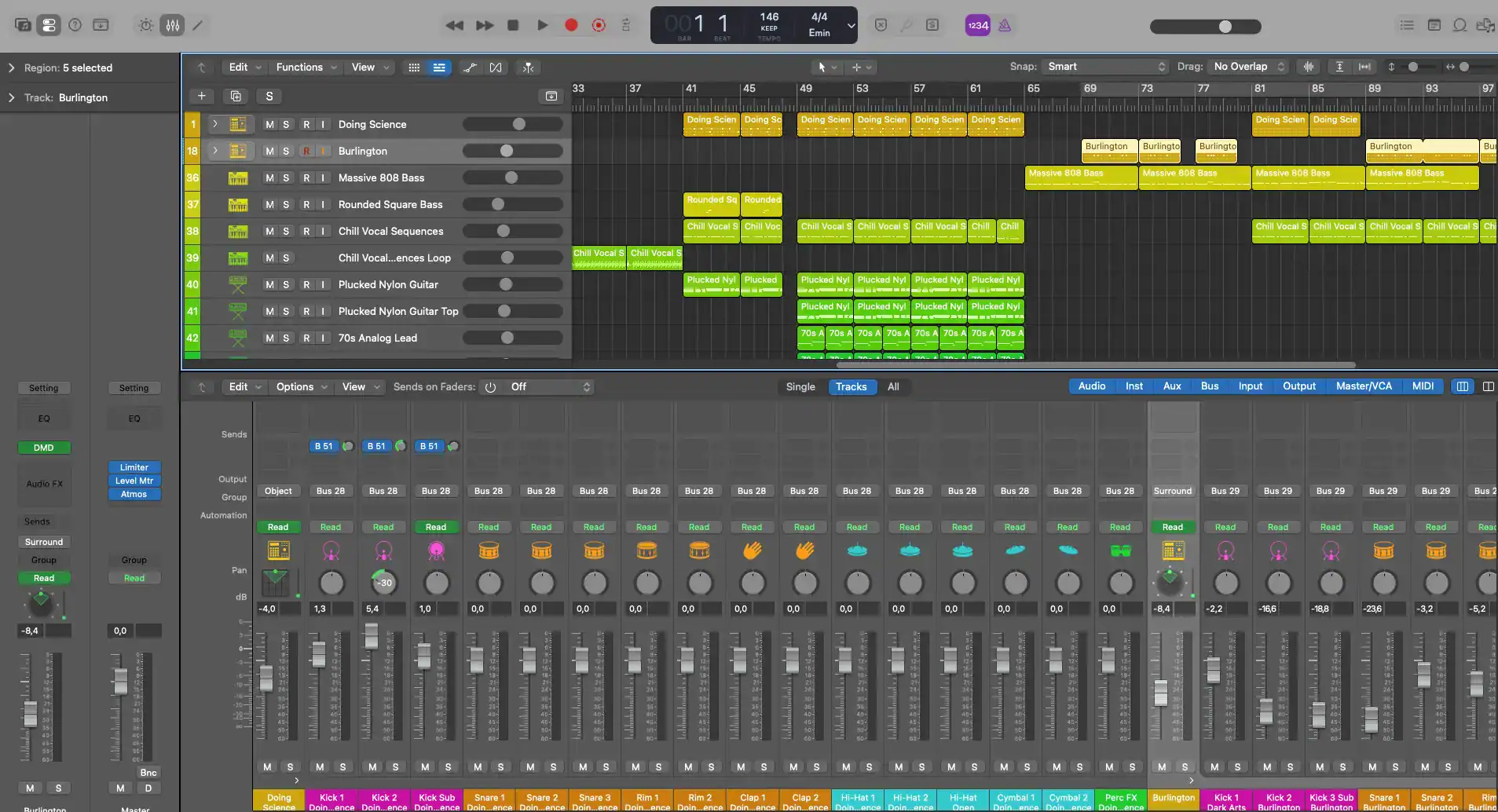
In my case, I have Ableton Live, Cockos Reaper and Logic Pro. And once setup in the preferences I have access to all my projects in one full screen window. Its possible to write notes/tasks about each project and assign a cover image. Also, you can assign files, prelisten to the track and assign tags like key, tempo, genre and more.
You can go to the main folder of the project or directly open the project in the DAW.


How dBdone Improves Workflow
Prelistening minimizes interruptions. Switching between projects is a common bottleneck in production workflows. Prelistening lets you identify and review audio quickly, keeping your DAW sessions free for actual production work.
Streamlined file management ensures direct file access and the tagging system combine to reduce time spent hunting for projects. Whether you’re revisiting old work or organizing new files, dBdone keeps your library efficient and manageable.
Integrated task management centralizes tasks and deadlines in the same tool, eliminating distractions and keeping you organized. By consolidating creative and administrative tasks, dBdone ensures smooth progress from start to finish.
Professional presentation is enhanced by automated naming and artwork generation, which aren’t just about saving time—they also make your projects more presentable. These features help maintain a consistent, polished image, particularly valuable for client-facing work.
Why Choose dBdone?
Time Savings: Prelistening and direct file access remove unnecessary steps from your workflow.
Better Organization: Tags and search ensure quick file retrieval, no matter how large your archive grows.
Professional Features: Automated names and artwork enhance your project’s presentation.
Integrated Tools: Task and deadline management keep your projects on track.
Download and licence
The official dBdone website offers a 14-day trial. Continuing after the trial requires a paid licence, with one-time purchase and subscription options. Check the plans before deciding which one fits your project library.
Ready to Simplify Your Workflow?
dBdone isn’t about flashy extras—it’s about making your DAW project management straightforward and efficient. By removing roadblocks and reducing manual effort, it gives you more time to focus on the creative work that matters.
Check their Youtube channel for more tuturials in getting the most out of this tool.
dBdone on Youtube
My experience with dBdone
I like having my projects in one place, especially when working across different DAWs. Being able to listen to a preview and return straight to the session saves time.
The licence price is worth weighing against how much time you spend searching for projects. Use the 14-day trial with your own library to see how it fits your workflow.