Fiedler Audio’s Dolby Atmos Composer Essential is still free. It brings Atmos mixing into a DAW that supports its plug-in formats, including a stereo-only DAW. You can begin with headphones and export an ADM/BWF file when you have a mix to deliver.
I have created a dedicated Facebook group for sharing knowledge, tips and tricks with Dolby Atmos Composer. Dolby Atmos Composer
What the free version includes
Essential works at 48 kHz. The included Dolby Atmos Beam Essential sends audio and positioning data to Composer Essential. You can pan into a composite or use dynamic objects, then monitor the result over headphones in binaural mode or through a supported speaker layout.
The full version adds 96 kHz support, integrated loudness measurement, downmix and trim controls, and simultaneous monitoring and export of speaker and headphone outputs. Use the official feature comparison to check which edition fits your delivery requirements.
Start with one sound and headphones
Use a 48 kHz session. Put Composer Essential on the master track and select binaural monitoring for your headphones. Add Beam Essential to one source track, after the effects whose sound you want to send. The master will be silent until audio reaches Composer through a connected Beam or Spacelab instance.
Play a repeating synth note. Find its Beam connection in Composer and give it a recognisable name. Use Beam to change its position and listen over headphones. For a dynamic object, set the Beam connection to dynamic objects in Composer. Keep the other tracks out of this first test so you can hear the movement clearly.
Keep the source track routed to the master track that contains Composer. That routing lets the DAW process the source before the renderer. Follow the Essential manual (PDF) and the DAW templates and setup notes for your host.

Export and delivery
Essential can export Dolby Atmos ADM/BWF files. Check your distributor’s delivery specification and measure the mix’s loudness with an appropriate tool before submitting it. The free edition’s export support gives you a route to delivery; the mix still needs to meet the destination’s requirements.
Adding an immersive reverb
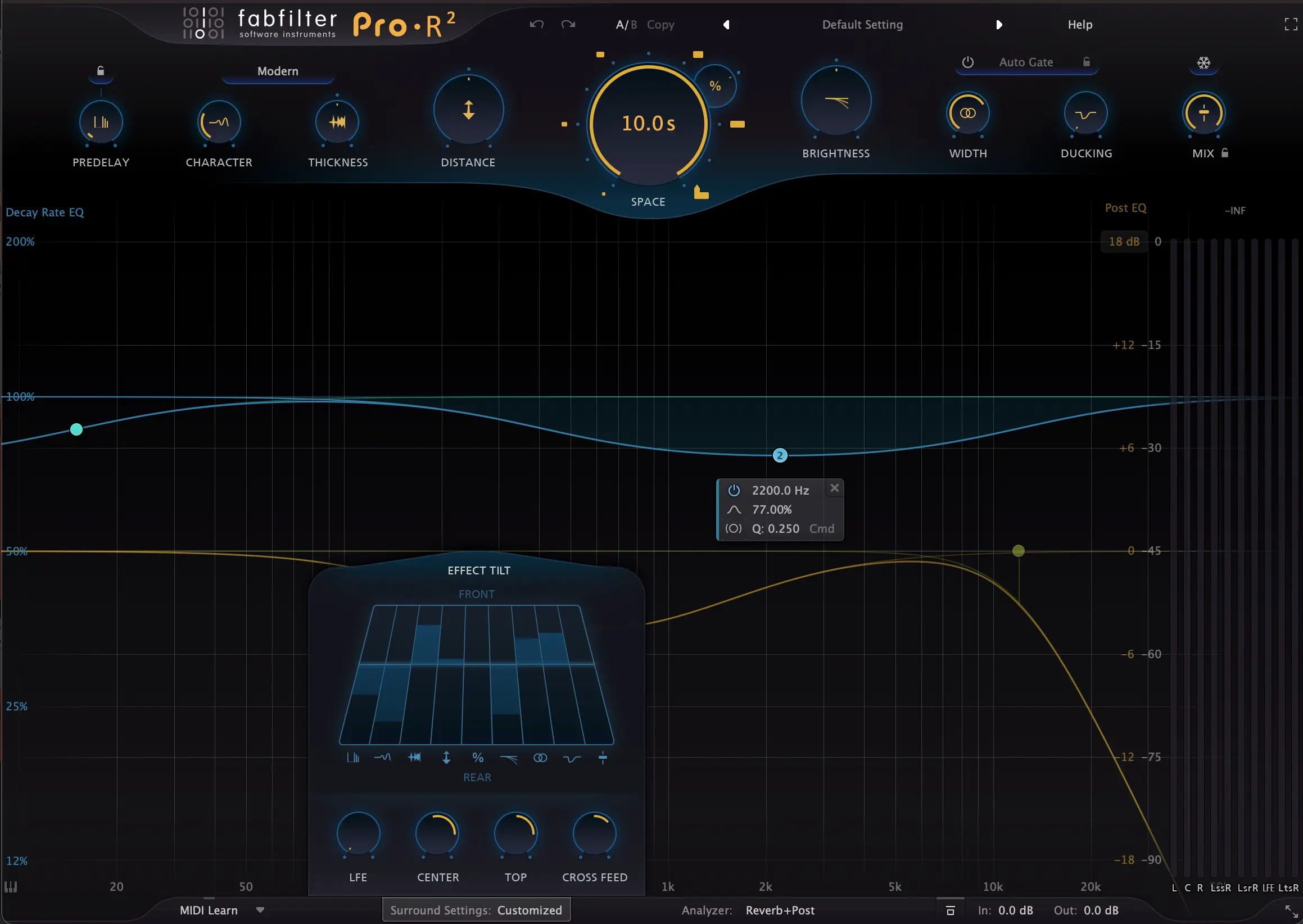
Fiedler Audio’s Spacelab reverbs can connect directly to Composer Essential. Spacelab is a separate product. If you already use it, the 24bit Spacelab article looks at the object-based reverb workflow.
Download and upgrade information
Use Fiedler Audio’s product page for the current installer and supported operating systems. macOS has VST3, AU and AAX formats; Windows has VST3 and AAX.
Owners of an older paid Essential licence can contact Fiedler Audio about moving to the full Dolby Atmos Composer.
My experience with the full version
I’ve used the full version of Dolby Atmos Composer and found it easy and enjoyable to use.